1. Log in to your account and select “Fraud Check” from the dashboard.
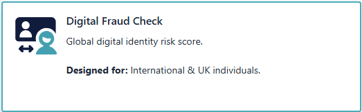
2. Enter Search Reference (Optional)
This field is not mandatory. You can enter any internal reference you use. It will help you retrieve the search later and will be attached to the final report.

3. Enter the search subject's details:
The mandatory fields are Title, First Name, Last Name, Mobile, Address
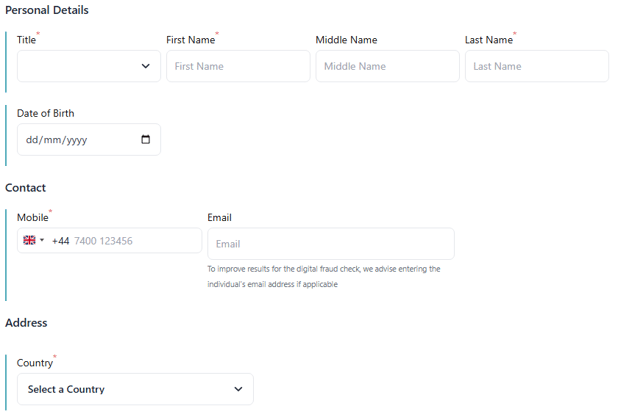
Although Entering the search subject's email address is not mandatory, it will add an extra level of verification and, if not supplied, the Identity Check Score may increase.
4. Click Results:
Results of the Fraud Check will be processed immediately, and the user will be taken to the results section where the results for the Fraud Check and Due Diligence will be combined into one output document.